Make It: from drawing to machine files in one step
· By The ParametrIQ team
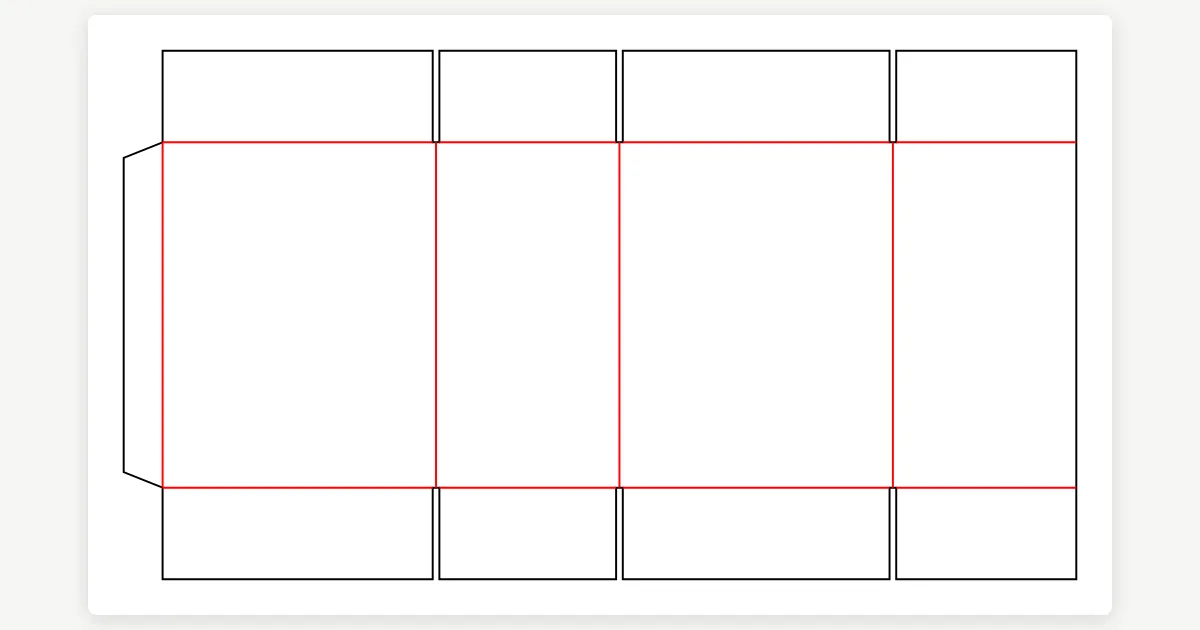
Every trade has a last step that is the same every time. Packaging sends the printer a dieline PDF and the die maker a CF2. Sheet metal sends the press brake a flat blank with its bends, and the shop a bend table. A carpenter sends G-code to the router and a panel cut list to the saw. Make It does that step in one click: the button at the top right of the window, Ctrl+Shift+M, or File › Export › Make It.
Your trade's usual step
What it makes follows the drawing's industry, with the machine profiles and the reports that come with ParametrIQ CAD. A few of them:
| Industry | Files for the machine | Lists |
|---|---|---|
| Packaging | Printer's dieline (PDF), Rule bender (CF2) | |
| Sheet metal | Press brake flat blank (DXF with bends) | Bend table |
| Structural steel | Steel fabrication line (DSTV NC) | Steel cutting list |
| Carpentry | CNC router (G-code, tools from the layers) | Panel cut list |
| Sewing, leather | Cutting room CAD (AAMA / ASTM DXF) |
The help has the whole table. A General drawing has no usual step: the first time, Make It asks you what it should make.
Checked first
Before it writes anything, Make It checks the drawing against the design rules, as File › Check Design does. Errors stop it, with Show Problems to find them and a fix where there is one; warnings are listed, and it asks whether to make the files anyway. See The design is checked first.
Presets for each job
Make It writes with a preset: the files for the machines, the lists and the folder they go in. Each industry comes with Production, and packaging with Proof only too (the printer's dieline alone). Make your own (Customer pack, say), choose the default, and pick another from the arrow beside the button or from the command palette. Export… writes your presets to a file the rest of the team can Import…, folder and all. See Presets and Sharing presets with a team.
Then send it on
The files go beside the drawing, or in the preset's folder; making again after a change replaces them. The summary lists each file and its size, with Open Folder and Send by Email (one ZIP when there are several). A job for a cutter or router can also go to the free Machine Emulator first, to watch it run before it reaches the machine. See When it is done.