Six bottles to a finished shipper
· By The ParametrIQ team
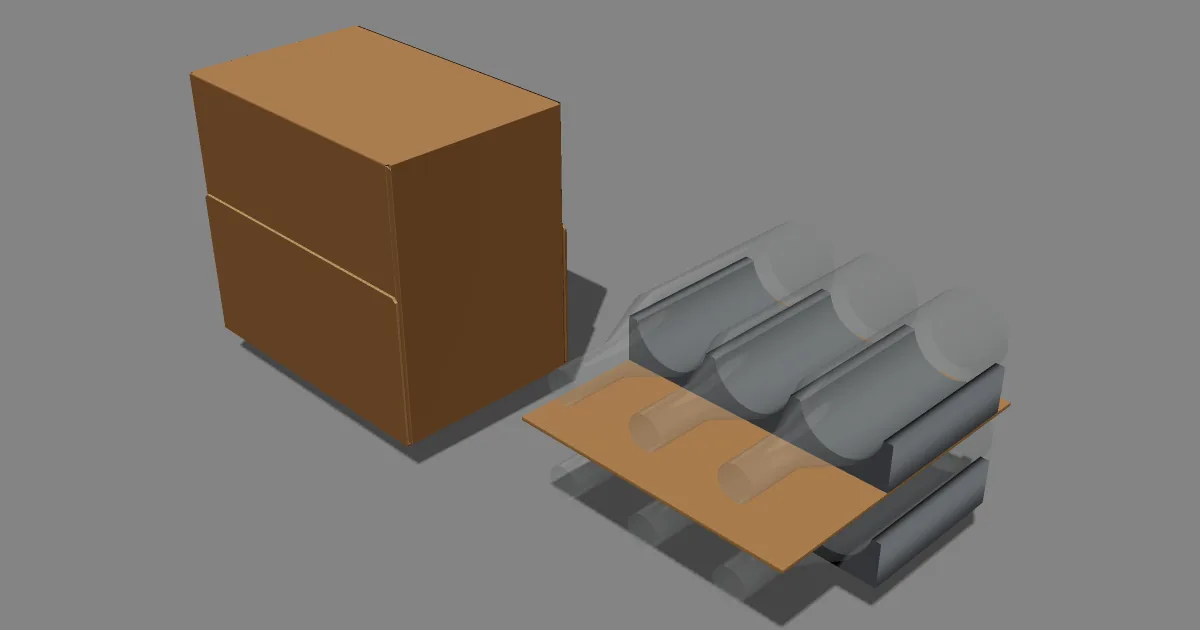
Most packaging jobs start the other way round from a CAD program: not with a box style, but with a product. Six bottles of wine. Twelve cans. A carton of sachets. File › New from Product… in ParametrIQ CAD starts there, and ends with one finished drawing.
Tell it what you are packing
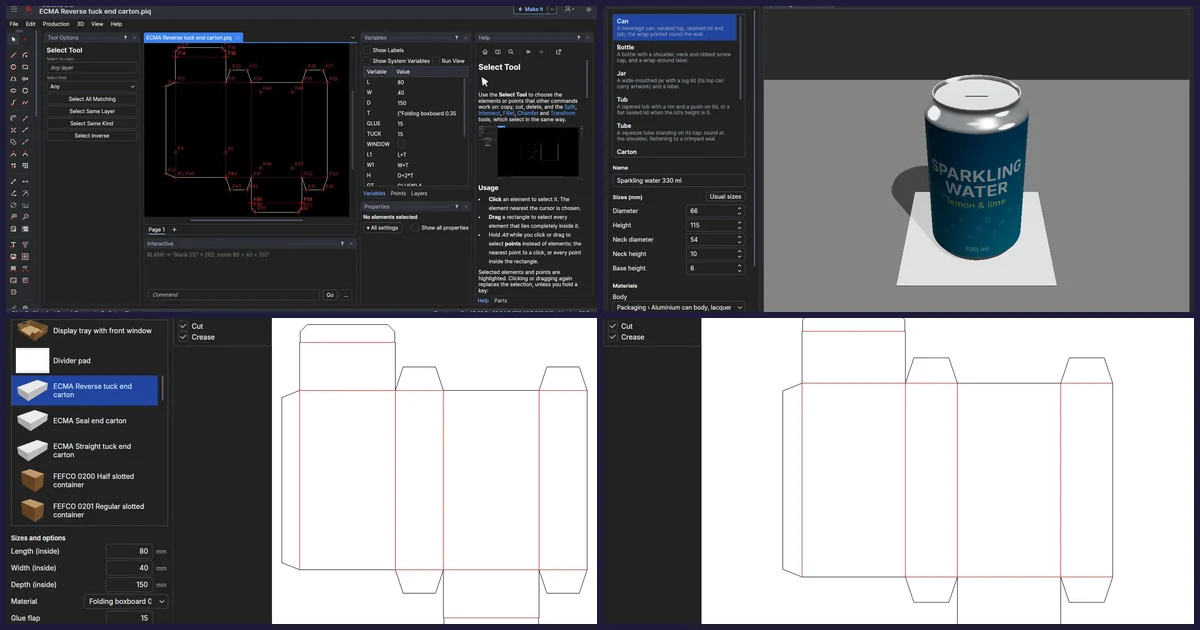
The first page asks for the product: a Pack Designer pack, or sizes you type (a round product's diameter, a boxed one's length and width, and its height), its material and how many go in a case. For a bottle of wine that might be 76 mm across, 300 mm high, glass, six to a case. See The product.
Choose how they stand
Every way the count fits is a card: 3 × 2, 6 × 1, and, when the count is even, two layers with a divider pad between. Each card shows the cells from above, the case's outside size, its cost and board, and how many cases go on a layer of a 1200 × 800 (EUR) and a 1200 × 1000 (UK) pallet. The best is marked Suggested, ranked by Cheapest, Least board or Best pallet fit: you choose. See The arrangement.
Fitment and outer, from the library
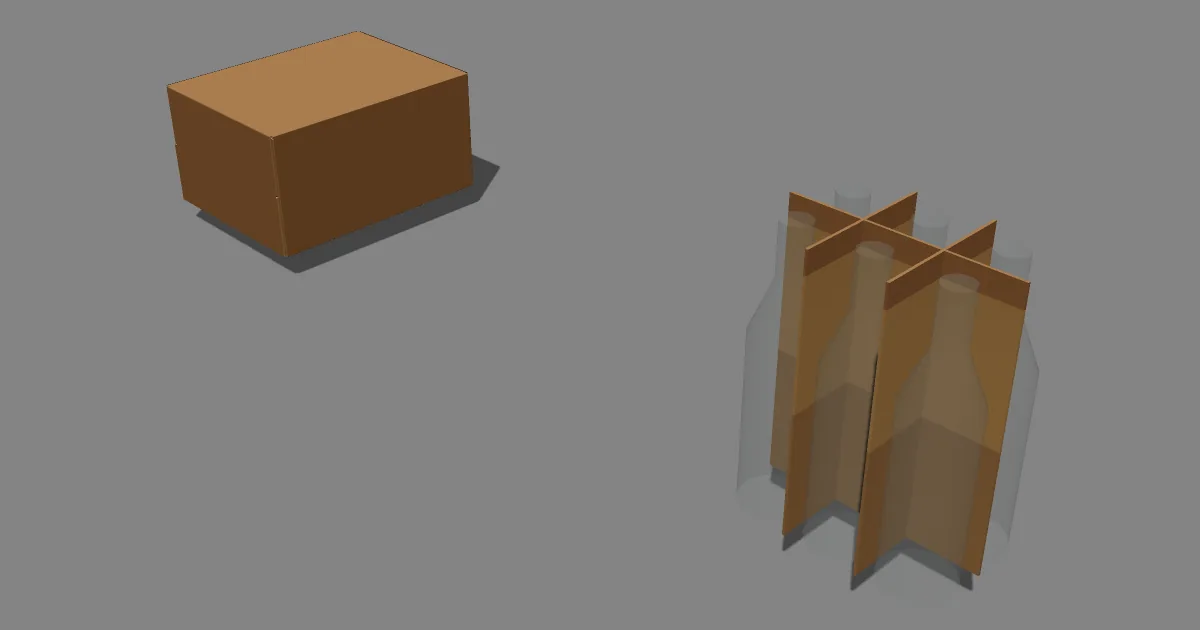
Next come the fitments that suit the product, each drawn at the sizes this pack needs. Glass gets the bottle partitions first; cans and PET no fitment or a platform insert; tall products full-height partitions. Then the outers, each drawn round the fitment you chose: a FEFCO case, the wrap-around case and the others the library's rules offer. Values the wizard works out from the product are locked unless you unlock them; the design's own values (the board, a hand hole) you change at once. See The fitment and The outer.
One drawing, still parametric
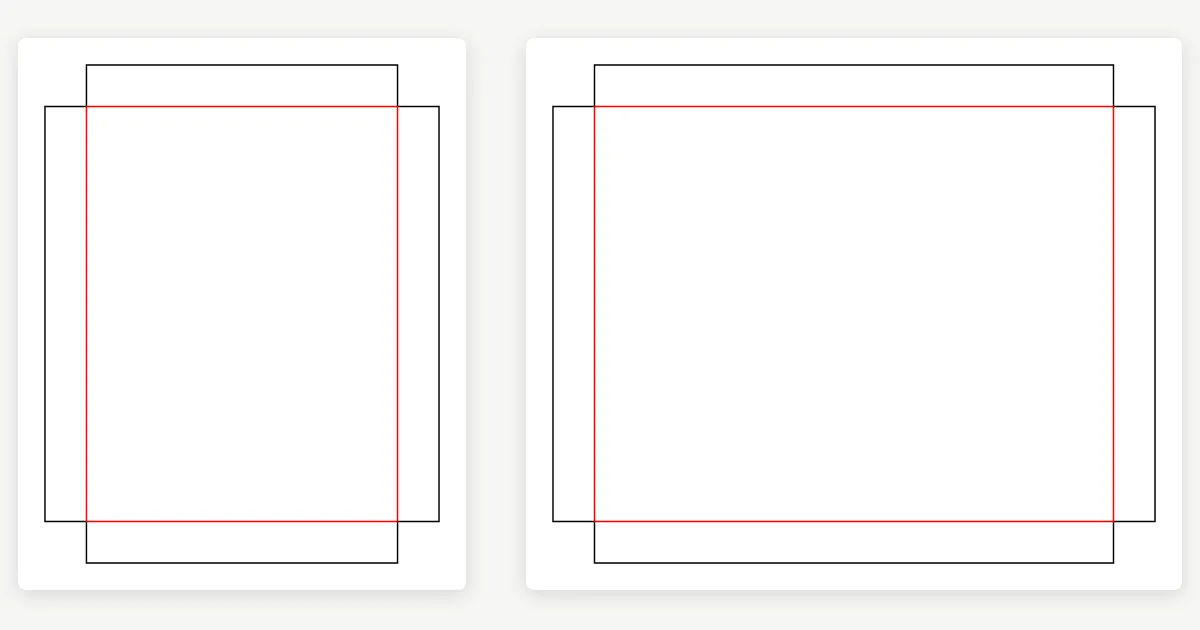
Make Drawing opens one new drawing: a page for the outer's blank, the fitment's and the pad's, each still parametric; an assembly page and a 3D page with the outer folded round the fitment and a product in every cell, the fit already checked; and a sheet with the outer in a title block and notes saying the product, the count, the arrangement, the sizes, the clearances and the cost. It is classified as packaging, so Make It writes the printer's dieline and the die maker's CF2 next. See The summary.
Start from a pack you designed
Designed the bottle in the Pack Designer already? Its Pack These… hands the pack straight to ParametrIQ CAD, which opens on this wizard's arrangements with the product read from the pack. See From the Pack Designer. The guided tour Start from a product takes you through it the first time.