BULGE
A circular arc between two points that turns through a given angle.
Syntax
BULGE start,end,angle
BULGE @id,start,end,angle,layer
| Argument | Meaning |
|---|---|
| start | The point it starts at (optional: the current point). |
| end | The point it ends at. |
| angle | The angle the arc turns through, in degrees: positive anticlockwise, negative clockwise. 180 is a half circle. |
The id, layer and any settings after it are the element settings.
Examples
BULGE P0,P1,90
BULGE P1,P2,-180
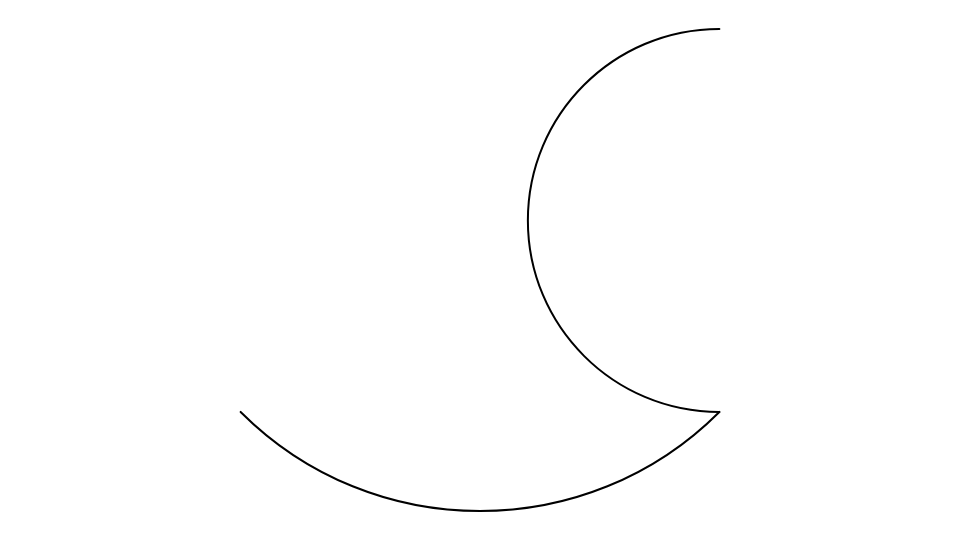
Going from P0 to P1, the first arc bulges to the right (below the line, here); the second is a half circle from P1 to P2 that bulges to the left.
Notes
The angle is a number, so the arc keeps its shape as its ends move. The Bulge Segment Tool draws these with the mouse.