LINE
A straight line segment between two points.
Syntax
LINE start,end
LINE @id,start,end,layer
LINE end
| Argument | Meaning |
|---|---|
| start | The point it starts at (optional: the current point, normally P0). |
| end | The point it ends at. |
The id, layer and any settings after it are the element settings.
Examples
LINE P0,P1
LINE @2,P1,P2,1
P4=[250,200]
LINE P4
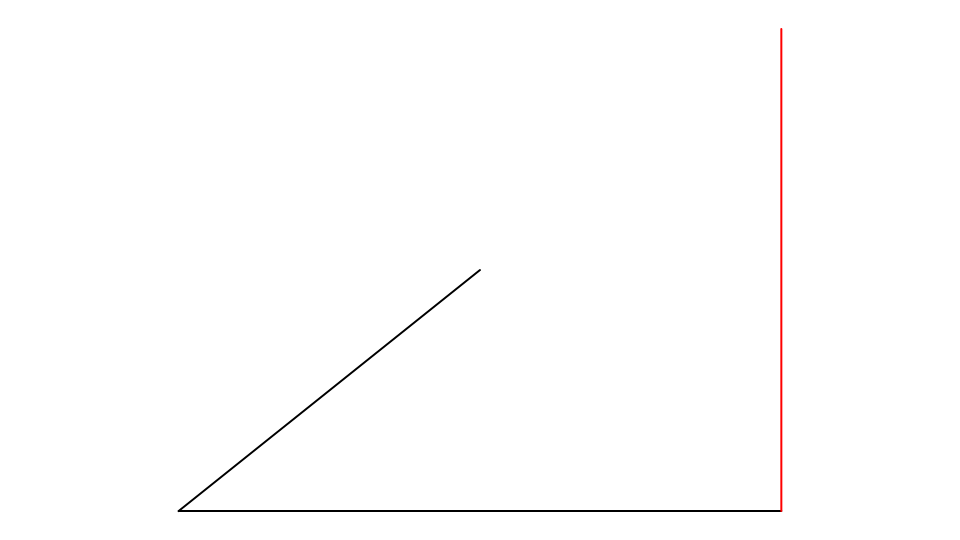
The last line runs from P0 to P4.
Notes
The line is drawn from its two points, so it follows them when they move. To draw one with the mouse, use the Line Tool.