CHAMFER
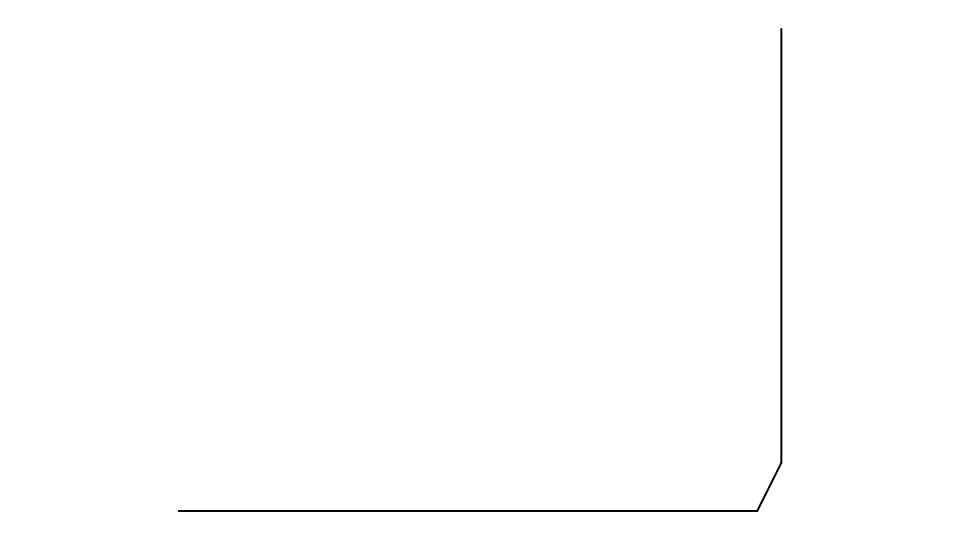
Cuts the corner between two elements with a straight line, a distance back along each.
Syntax
CHAMFER @a,@b,distanceA,distanceB
CHAMFER @a,@b,distanceA,distanceB,pointsOnly,trim,extend
| Argument | Meaning |
|---|---|
| @a, @b | The two elements. |
| distanceA | How far back from the corner along @a. |
| distanceB | How far back along @b. |
| pointsOnly | TRUE to only add the corner's points, leaving out the line (optional: FALSE). |
| trim | FALSE to add the line but leave the two elements as they are (optional: TRUE, trim them to it). |
| extend | FALSE to refuse elements that don't reach the corner (optional: TRUE, extend lines and arcs to it). |
Examples
LINE @1,P0,P1
LINE @2,P1,P2
CHAMFER @1,@2,20,40
Notes
Between two line segments that meet at a point, the new points are worked out from the lines and the size is a new variable (CHAM1, CHAM2 …): change it in the Variables panel, or move the lines, and the corner follows. Between other elements, the elements are kept on the Construction layer and the trimmed parts are defined on them.
See also: CHAMFEREQUAL, CHAMFERDISTANCEANGLE, FILLET, Chamfer Tool.