CURVEDBEND
A curved bend: a panel bent round along its length, from one line across it to another parallel to it, scored with evenly spaced score lines or smooth. Its score lines are drawn, cut and exported on its layer; the 3D page folds the panel as a curve. To make one by clicking, use the Curved Bend Tool.
Syntax
CURVEDBEND @id,start,end,far,angle,scores,layer
| Argument | Meaning |
|---|---|
| start, end | The ends of the line the bend starts at, across the panel (a crease or the panel's edge). |
| far | A point on the line the bend ends at: the bend runs from the start line to the line through far parallel to it, and its flat length is the distance between them. |
| angle | How far the panel turns from one end of the bend to the other, in degrees: positive toward the viewer (as a crease folds), negative away (as a reverse crease folds); at most 360 either way. The radius it bends round is the flat length over the angle in radians. An expression. |
| scores | How many score lines: a whole number from 1 to 1000, or 0 for a smooth bend (no score lines). An expression. |
The id, layer and any settings after it are the element settings. Its RULE STEP
goes to its score lines (and to the 3D page's lines for a smooth bend): the bend folds in that step.
What it makes
With n score lines, each lies in the middle of its strip of the bend (n strips, the first and last score half a
strip from the bend's ends), as long as the start line, and folds angle/n in 3D (as if it had RULE FOLD): the
strips then touch the bend's circle at their middles, and the bend is exactly as long as it is flat. The score lines
are written to every export on the bend's layer.
A smooth bend makes no lines to cut: it is drawn on screen as a dotted cross on the bend, and never exported. The 3D page folds it along lines of its own across the panel (from edge to edge), one every 5°, at least 4 and at most 72, showing no crease grooves along them.
A bend that can't be worked out (no angle, more than a turn, scores that aren't a whole number, far on the start line) draws only its start line and makes nothing.
Examples
P1=[0,60]
P2=[100,60]
P3=[0,160]
CURVEDBEND @20,P1,P2,P3,90,8,1
CURVEDBEND @21,P1,P2,P3,-45,0,1
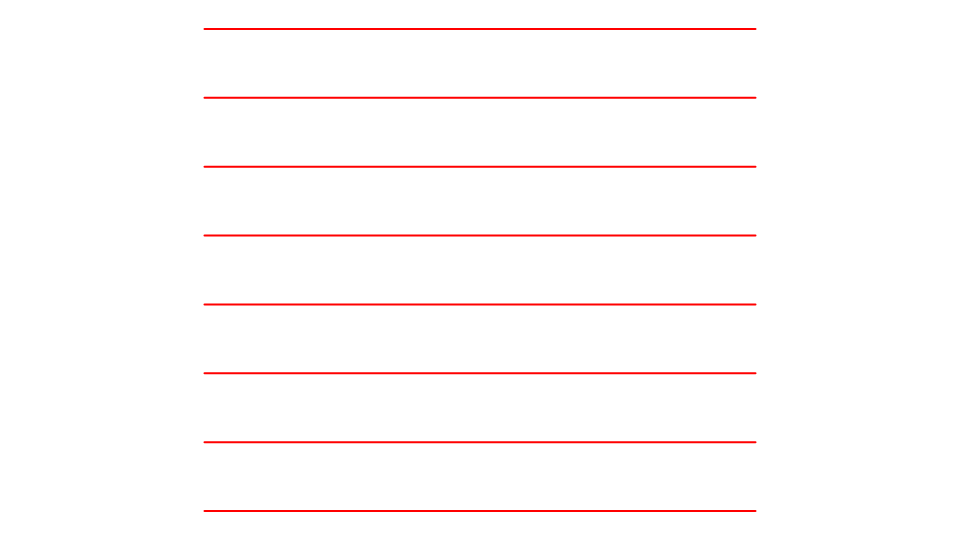
The first bends the panel between y = 60 and y = 160 a quarter turn toward you (a radius of about 63.7), with eight score lines on the Crease layer, 12.5 apart, each folding 11.25°; the second bends it 45° away, smooth.
BA=60,"Bend angle"
BN=12,"Score lines"
P4=[0,0]
P5=[200,0]
P6=[0,120]
CURVEDBEND @22,P4,P5,P6,BA,BN,1,RULE STEP=2
A display header 120 long, bent by the variables BA and BN, folding in the second step.
Notes
- A curved bend in a script block isn't one: draw it outside the block.
- The start and end lines are usually the panel's own creases or edges; the score lines run the start line's length, so a panel whose sides aren't square to the bend needs its scores trimmed to it.
See also: Curved Bend Tool, element settings, Pages.