PART
A part placed in the drawing by name: a drawing from the drawing's part library (PARTDEF), or another page of this drawing. It is drawn full size at a point, turned to face another, its variables scoped by this drawing's.
Syntax
PART origin,direction,"name"
PART @id,origin,direction,"name",layer
PART @id,[place1,place2 …],"name",layer
PART @id,origin,direction,"name",layer,NAME=value,…
With a list of places instead of an origin and direction, the part is fitted so that its
part markers lie on those points, in order: moved for one, moved, turned and scaled for two, any affine
map for three, a perspective for four. Values after the layer (,W=80,FLAP=GLUE*2) are the part's own for those
variables, worked out in this drawing, used instead of this drawing's.
| Argument | Meaning |
|---|---|
| origin | Where the part's own origin ([0,0]) goes. |
| direction | The part's X axis points towards this point. Only its direction matters: the part is always full size. |
| "name" | The part: one in the drawing's library (a PARTDEF), or else a page of the drawing. |
The id, layer and any settings after it are the element settings.
Examples
PARTDEF "Corner","LINE @1,P0,P1\nLINE @2,P1,P2"
P4=[600,0]
P5=[600,100]
PART @1,P4,P5,"Corner"
L=300
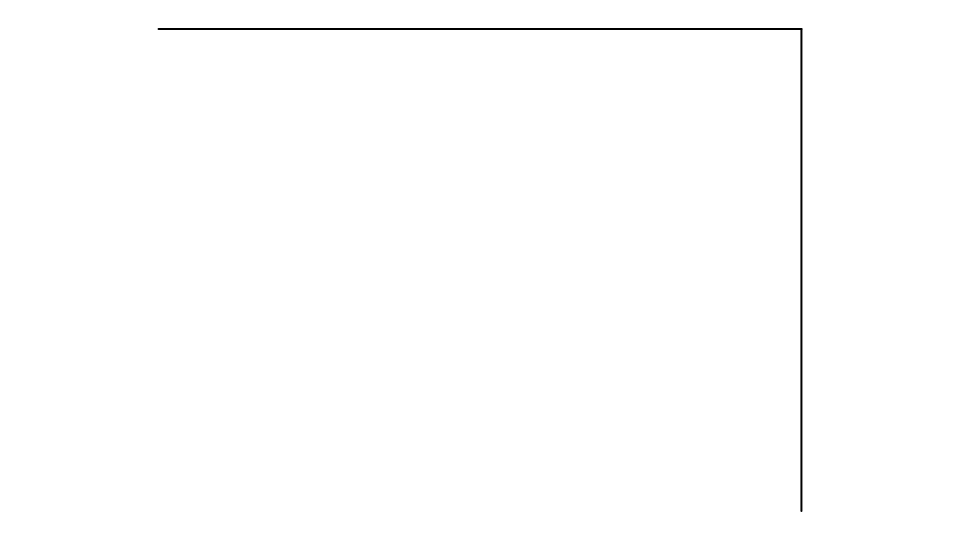
The part's two lines are its own bottom and right-hand edges, drawn at P4 turned a quarter turn (its X axis up).
Setting L to 300 makes them 300 long, as the part's own L is this drawing's.
LINE @1,P0,P2
PAGE "Sheet"
P4=[0,-600]
P5=[100,-600]
PART @2,P4,P5,"Page 1"
Page 1's diagonal placed on the Sheet page. Draw more on Page 1 and the part shows it too.
Pages as parts
A page placed as a part is the page as it is now, on its own points, with the drawing's variables and functions: edit the page and every placing of it follows. The points it is placed at are those of the page it is placed on. A page placed on itself (or on a page it places) shows nothing there. If a page is renamed, the parts that place it are changed to its new name. A part whose name is neither in the library nor a page shows nothing, and can't be exported until there is one.
Scoping
A part keeps its own points and variables: none of its points is drawn or snapped to, and moving its two points
moves and turns it whole. But each of its variables with the same name as one of this drawing's (L, W, D, or one
of your own such as FLAP) takes this drawing's value, as a function captures the variables around it. Its other
variables keep their own definitions, so one defined on a captured variable (TUCK=D/2) follows it too. The part's
origin (#O) and the hidden settings (current point, layer, grid …) are its own.
Notes
Parts are usually placed with the Part Import Tool, or typed with IMPORT: either keeps the file's drawing in the library and places it by name. They also come from files: CF2 and DDES3 subroutines and DXF blocks are read as parts, and parts are written back to those formats as subroutines and blocks, each drawing once however many times it is placed. Other exports write the part's elements on their own layers.
See also: PARTDEF, Pages, VECTORIMAGE, SWITCHPART (one of several parts, picked by a variable).