PIECE
Part of another element, between two points on it.
Syntax
PIECE @source,start,end
PIECE @id,@source,start,end,layer
| Argument | Meaning |
|---|---|
| @source | The element it is a part of. |
| start, end | Two points on the source: the piece runs along it from one to the other. |
The id, layer and any settings after it are the element settings.
Examples
BEZIER @1,P0,P3,P2,P1
P4=ONELEMENT(@1,0.25)
P5=ONELEMENT(@1,0.75)
PIECE @2,@1,P4,P5,1
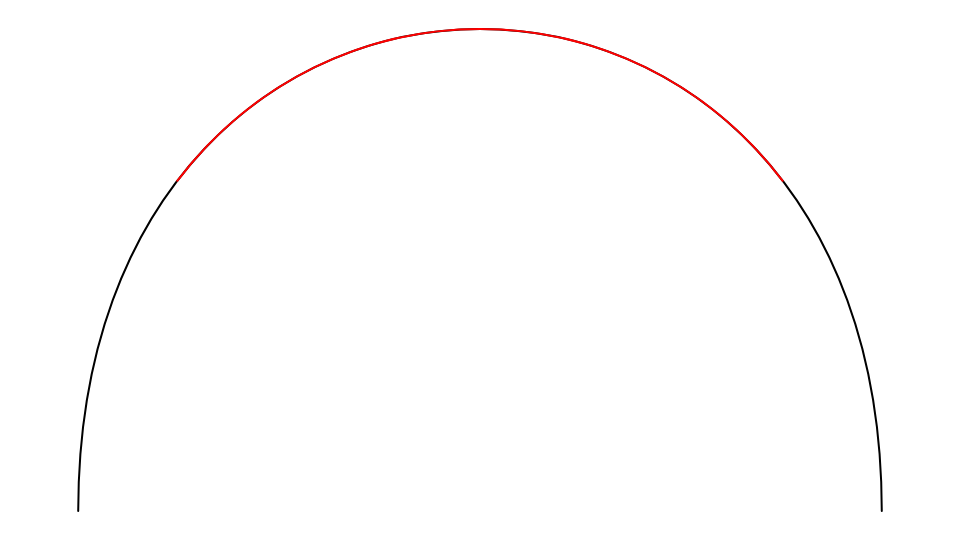
The piece is the middle half of the curve, on layer 1.
Notes
A piece keeps its source's exact shape and follows it when it changes: it is what SPLIT, INTERSECT, FILLET and CHAMFER make of curves other than lines and arcs, with the source moved to the Construction layer. On a closed source the piece runs in the source's direction, round past where it starts if need be.
See also: ONELEMENT.