VECTORIMAGE
A drawing within the drawing: another drawing's elements, mapped onto four corner points.
Syntax
VECTORIMAGE p1,p2,p3,p4,"drawing"
VECTORIMAGE @id,p1,p2,p3,p4,"drawing",[minX,minY,maxX,maxY],layer
VECTORIMAGE @id,p1,p2,p3,p4,"",layer,SOURCE="file",EMBEDDED=FALSE
| Argument | Meaning |
|---|---|
| p1 … p4 | The corners: bottom left, bottom right, top right, top left. |
| "drawing" | The other drawing, as the text of a drawing file (one command per line, \n between them). |
| [minX,minY,maxX,maxY] | The part of that drawing to show (optional: all of its elements). |
SOURCE="file" |
The file (DXF, PDF, SVG …) or web address it was read from (optional). |
EMBEDDED=FALSE |
Linked: the drawing isn't kept (it is written "") but read from its source whenever the drawing is read (optional: kept). |
The id, layer and any settings after it are the element settings.
Examples
VECTORIMAGE P0,P1,P2,P3,"LINE @1,P0,P2\nLINE @2,P1,P3"
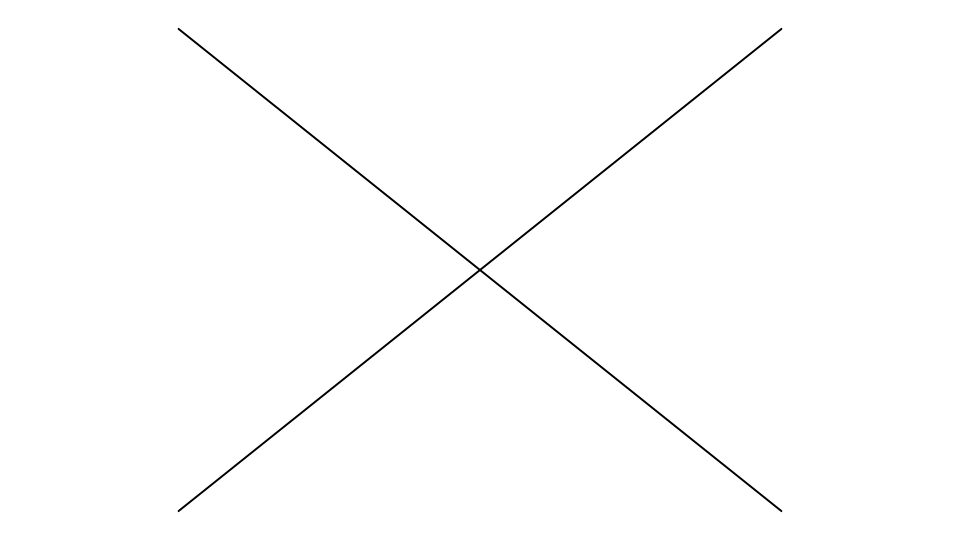
A cross from corner to corner of the box: the inner drawing's own P0 … P3 mapped onto this one's.
Notes
Its elements keep their own layers and line widths, and are mapped exactly: lines stay lines, arcs become ellipses. Its points are its own: none is drawn or snapped to. Exports write its elements on their own layers. Drawings in other formats are placed this way with the Vector Import Tool, or typed with IMPORT. Linked, it follows its file: see Linked files and web addresses.
See also: RASTERIMAGE, BARCODE.