INTERSECT
Adds a point wherever elements cross, and splits them there; or trims two elements back to where they cross.
Syntax
INTERSECT @a,@b,…
INTERSECT @a,@b,trimA,trimB,crossing
INTERSECT @a,@b,trimA,trimB,crossing,extend
| Argument | Meaning |
|---|---|
| @a, @b … | The elements. |
| trimA, trimB | For two elements only (with more, the command is refused): which side of the crossing to cut off each one, START or END, or NONE to split it there instead. A circle, ellipse or closed polyline can't be trimmed, and is split instead. |
| crossing | Which crossing to trim at, counting from 0 in order along @a. |
| extend | TRUE to cross them where they would meet if extended (lines as whole lines, arcs as whole circles), and extend an element that stops short of the crossing to it. Only lines and arcs can be extended. |
Examples
LINE @1,P0,P2
LINE @2,P1,P3
INTERSECT @1,@2
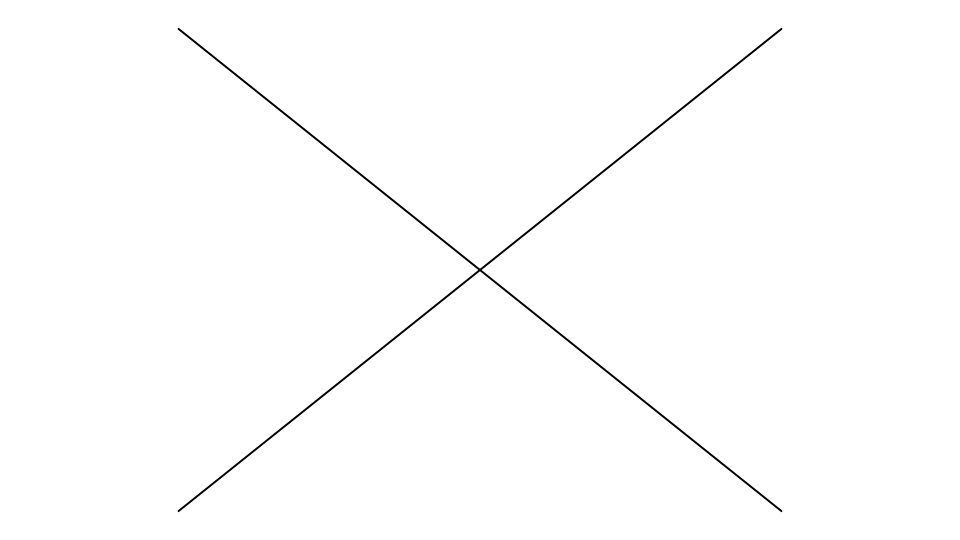
The two diagonals cross in the middle: a point is added there, and each is split into two lines that meet at it.
LINE @1,P0,P2
LINE @2,P1,P3
INTERSECT @1,@2,END,END,0
This time each diagonal is cut back to the crossing, keeping the part from its start.
Notes
Each crossing point follows the elements: where lines, arcs and circles cross it is worked out from their points
(LERP, LINECIRCLE or TRIANGULATE), elsewhere it is the crossing itself. A split or
trimmed line, arc or circle that nothing refers to is deleted, its parts on its points; anything else is kept on the
Construction layer, and its parts are new elements defined on it. Points, text, dimensions and images are
passed over.
See also: SPLIT, CROSSING, Intersect Tool.