Area Tool
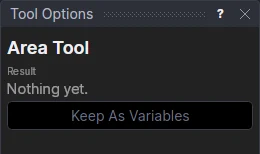
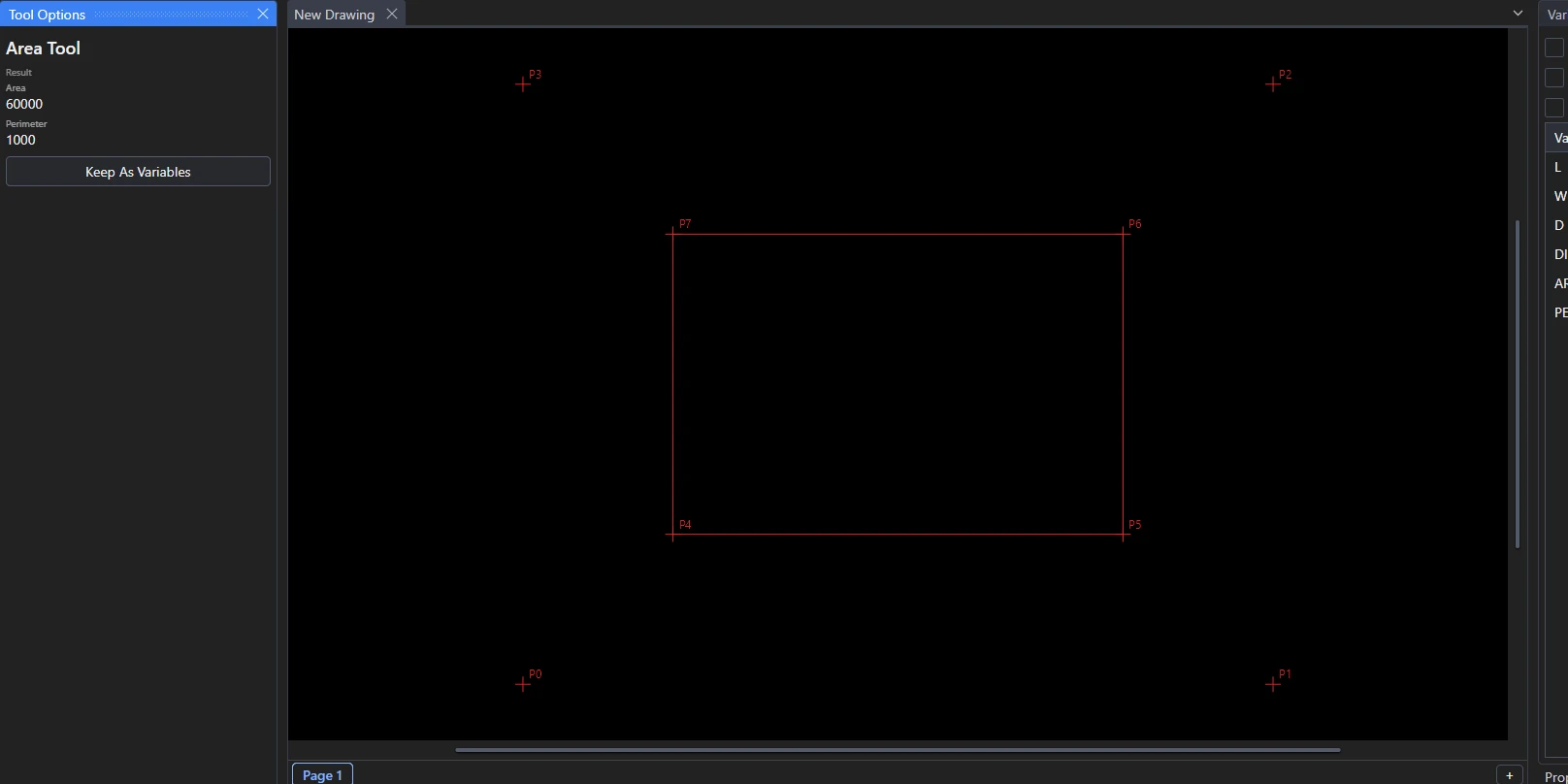
Use the Area Tool to find the area and perimeter of a closed shape.
Usage
Select* one of these:
- Closed shapes, such as circles, ellipses, closed polylines, rectangles, polygons and closed splines. With more than one selected, their areas and perimeters are added up.
- Elements that meet end to end round a closed loop, such as four lines making a quadrilateral, or lines and arcs round a slot. They can be in any order and run either way; each end must be the same point as the next element's.
The area and perimeter are shown as soon as you select, and written in the Interactive panel.
Keeping them
Click Keep As Variables to keep them as new variables defined by the elements, so they follow the drawing:
- AREA1 =
AREAOF(@5)(added up for several shapes). - PERIM1 =
PERIMETEROF(@5), or for a loopLENGTHOF(@5)+LENGTHOF(@6)+….
A loop's area is shown but can't be kept, as there's no expression for it. To keep it, join the loop into one closed spline with the Join Tool first.
*Select elements as with the Select Tool: click, drag a rectangle, and hold Shift or Ctrl to add or remove. Read more about selecting
See also: AREAOF, PERIMETEROF.