Line Segment Tool
Use the Line Segment Tool to draw a straight line between two points, or a polyline through several.
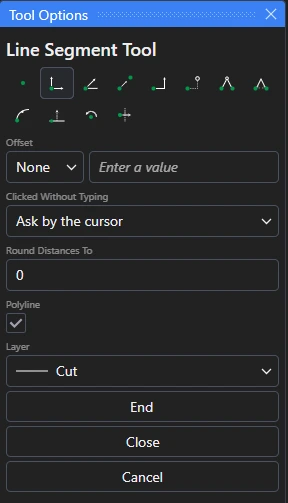
Usage
- Choose the layer to draw the line on.
- Click* the start point.
- Click* the end point. The line is drawn, and the tool is ready for the next one.
A dotted line follows the cursor from the last point, so you can see the line before you click.
Polylines
Tick Polyline in Tool Options to draw a chain of connected lines as one element.
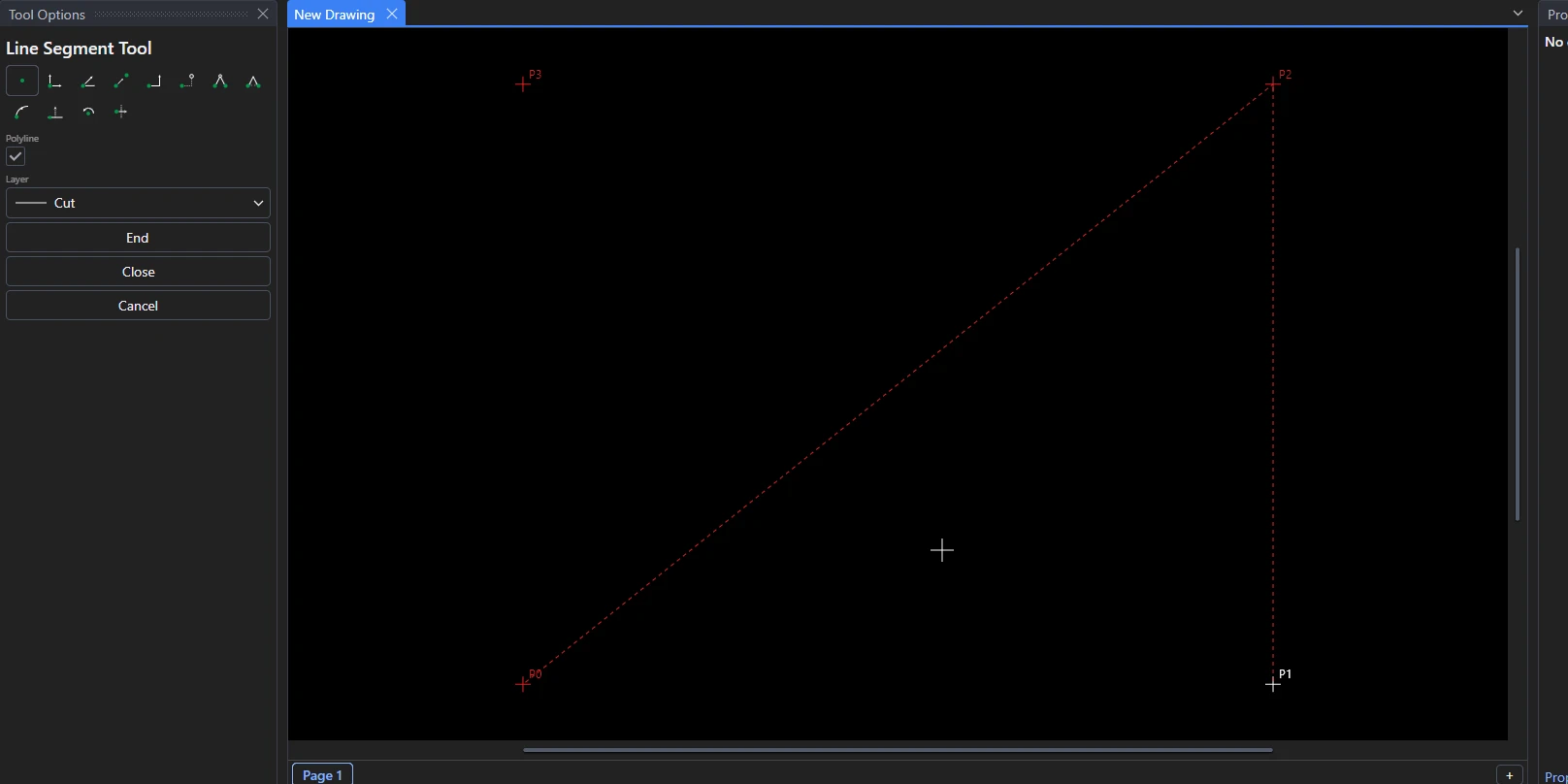
Click* each point in turn, then finish with one of the buttons in Tool Options:
- End finishes the polyline at the last point.
- Close finishes it with a line back to the first point, making a closed shape.
- Cancel throws the points away without drawing anything.
*Depending on the chosen snap mode, several clicks may be required to define the point parametrically. Read more about Snap Modes