DIMHORIZONTAL
A horizontal dimension: how far apart two points are across (in X).
Syntax
DIMHORIZONTAL p1,p2,side
DIMHORIZONTAL @id,p1,p2,side,layer,KEY=value,…
| Argument | Meaning |
|---|---|
| p1, p2 | The two points measured. |
| side | LEFT or RIGHT: the side of the way from p1 to p2 the dimension goes on. From left to right, left is above; from right to left, below. |
The dimension line is DIST out (from the point furthest out on that side): by default the drawing's Dimension Distance, #DD. Give a distance
of its own with DIST= followed by a number or an expression (DIST=#DD*2).
The id, layer and settings after it are the element settings; the KEY=value settings are the dimension settings.
Examples
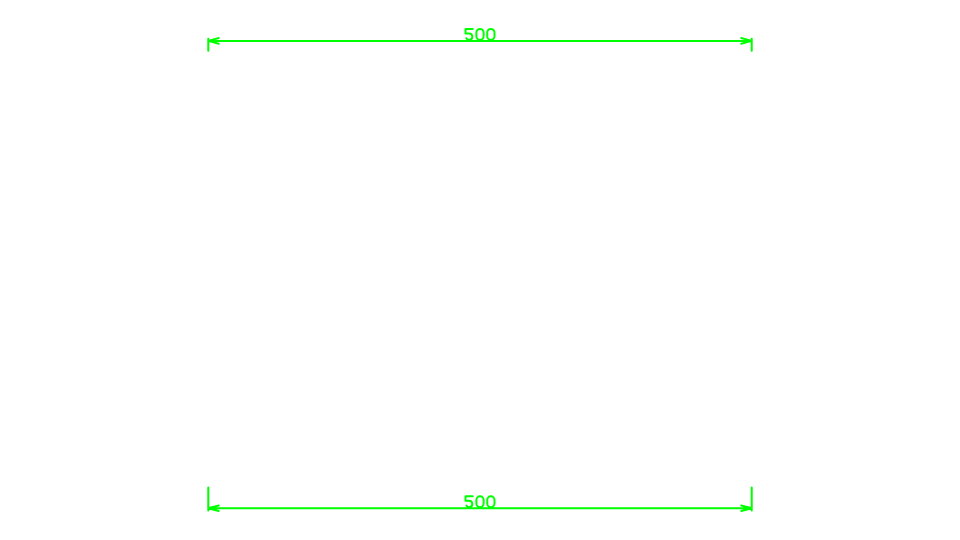
DIMHORIZONTAL P3,P2,LEFT,8
DIMHORIZONTAL P0,P1,RIGHT,8,DIST=#DD*2
Notes
The dimension follows the points, and shows the new distance when they move. See also: DIMVERTICAL, DIMALIGNED, Ortho Dimension Tool.