TRANSFORM
Moves points by a transformation: a shift, turn, scale, mirror or any matrix.
Syntax
TRANSFORM [points],transformation
| Argument | Meaning |
|---|---|
| [points] | The points to move, such as [P2,P3] or [P0..P3]. |
| transformation | TRANSLATE, ROTATE, SCALE, MIRROR, SKEW, a MATRIX, a perspective HOMOGRAPHY, or several multiplied together. |
Examples
LINE @1,P0,P2
LINE @2,P1,P3
TRANSFORM [P2,P3],TRANSLATE([0,100])
TRANSFORM [P0..P3],ROTATE([250,250],15)
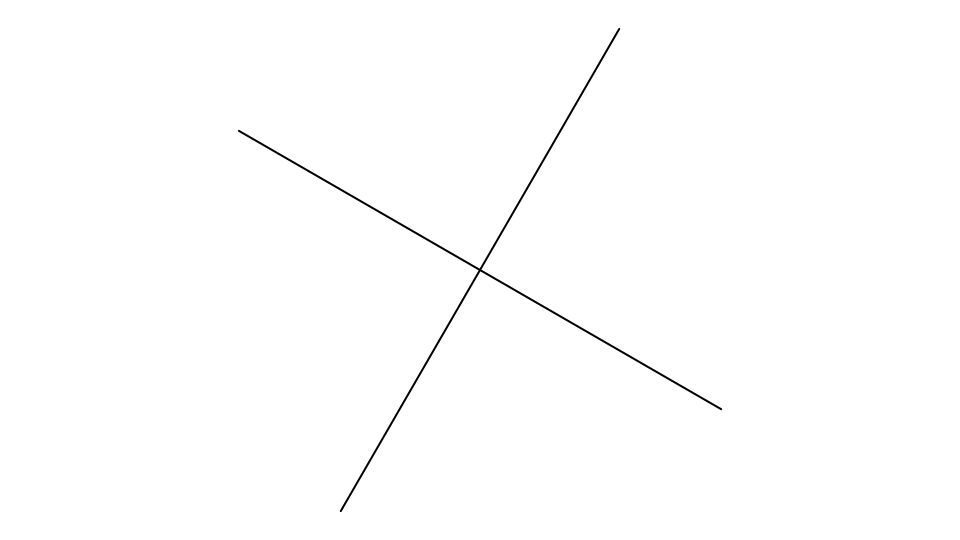
The top corners move up 100, and then the whole box turns 15° round [250,250], with the lines on its corners.
Notes
Each point is redefined in place as its old definition, transformed: a fixed position becomes the new position, a
point defined from another moved point keeps its sizes, and anything else is wrapped, (…)*ROTATE(…). So it still
follows whatever it was defined from, everything drawn on it moves with it, and no new points are made. A point that
isn't moved but is defined from one that is stays where it is. Nothing is fixed in space.
To move or copy elements, select them and use the Transform Tool or drag the selection box: they are moved in place too, as described there.
See also: Array Tool.