Identify Tool
Use the Identify Tool to find out what something in the drawing is.
Usage
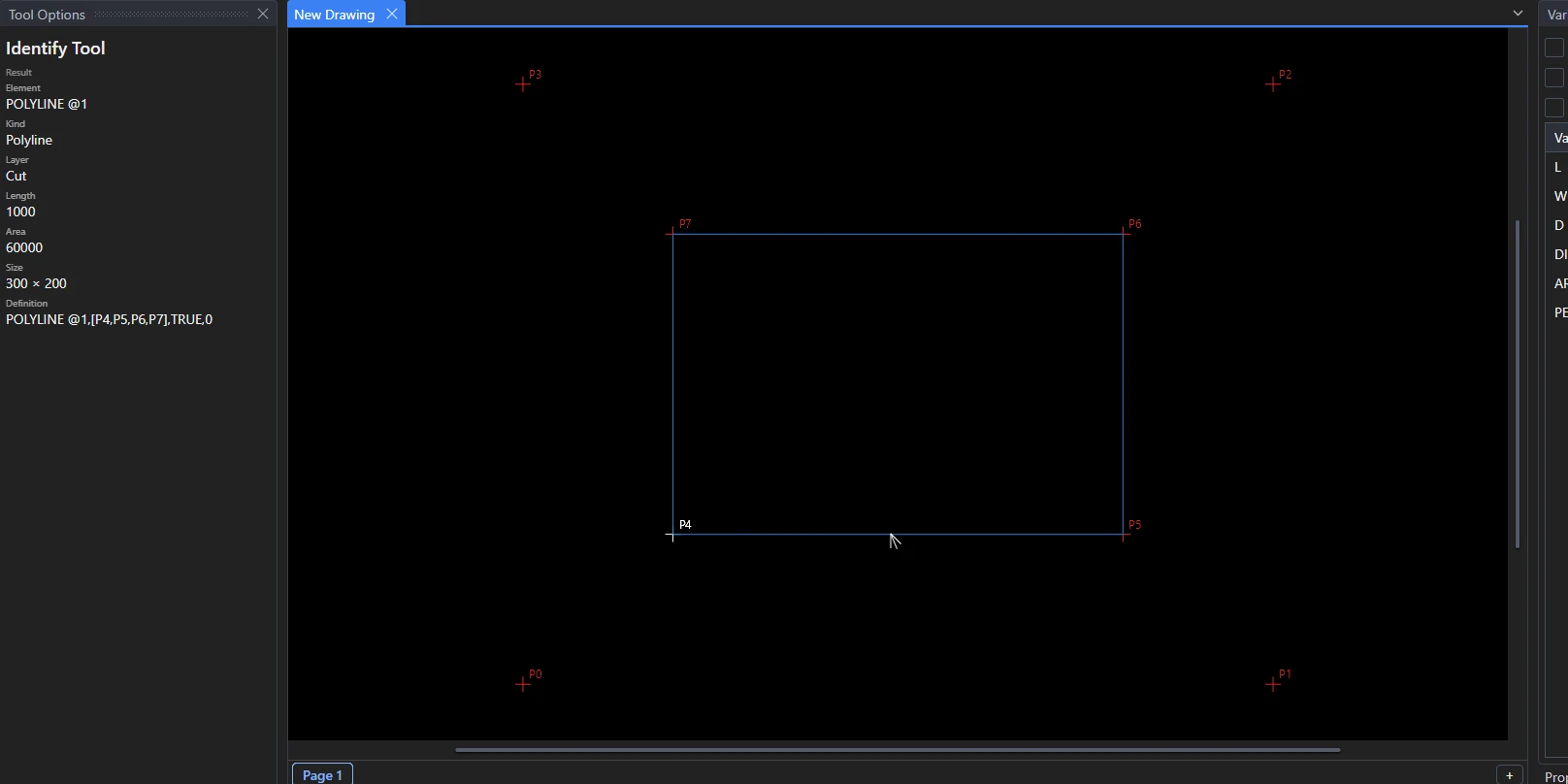
- Move the pointer over the drawing: the element under it is outlined.
- Click an element to see:
- its kind and id (
LINE @5) and its layer; - its length, where it starts and ends (or its area, if it is closed), and its size;
- its definition: the line of the drawing file that defines it, with the points it is drawn on.
- its kind and id (
- Click a point (or hold Alt to take the nearest point) to see:
- where it is;
- its definition, such as
RIGHT(P0,L)orONELEMENT(@5,0.5); - which elements are drawn on it.
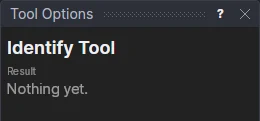
What you find is shown in the tool's options, where it can be selected and copied, and written in the Interactive panel.
The Properties panel shows the selected elements' settings, which you can change there.
See also: Measure Tool.